From staying informed during an emergency to managing your TigerOne ID and completing workplace tasks, the right apps can make life at Clemson more convenient, connected and secure. Whether you’re a student, faculty or staff member, these useful campus apps can help you navigate daily responsibilities and make the most of Clemson’s resources.
Safety and security
- Rave Guardian: Rave Guardian is a free mobile app that turns your smartphone into a personal safety device. Use the app to have a virtual escort, message directly with University dispatchers in case of emergency or to provide crime tips, and get easy access to phone numbers for critical campus resources.
- Alertus: The Alertus Desktop app allows you to receive CU Alert desktop pop-ups on your laptop. The notification will temporarily take over your screen to alert you of an emergency. Desktop notifications are designed to be sent when immediate action must be taken, such as during an active threat situation or tornado warning.
- Duo Mobile: Passwords are essential for security and privacy, but they are often not enough. Clemson uses the Duo Mobile app for two-factor authentication, or 2FA, for logging in to secure platforms like iROAR and Workday. 2FA requires something you know (your Clemson password) and something you have (like a mobile device or smartwatch) as an added layer of security to prevent anyone else from accessing your account.
Campus
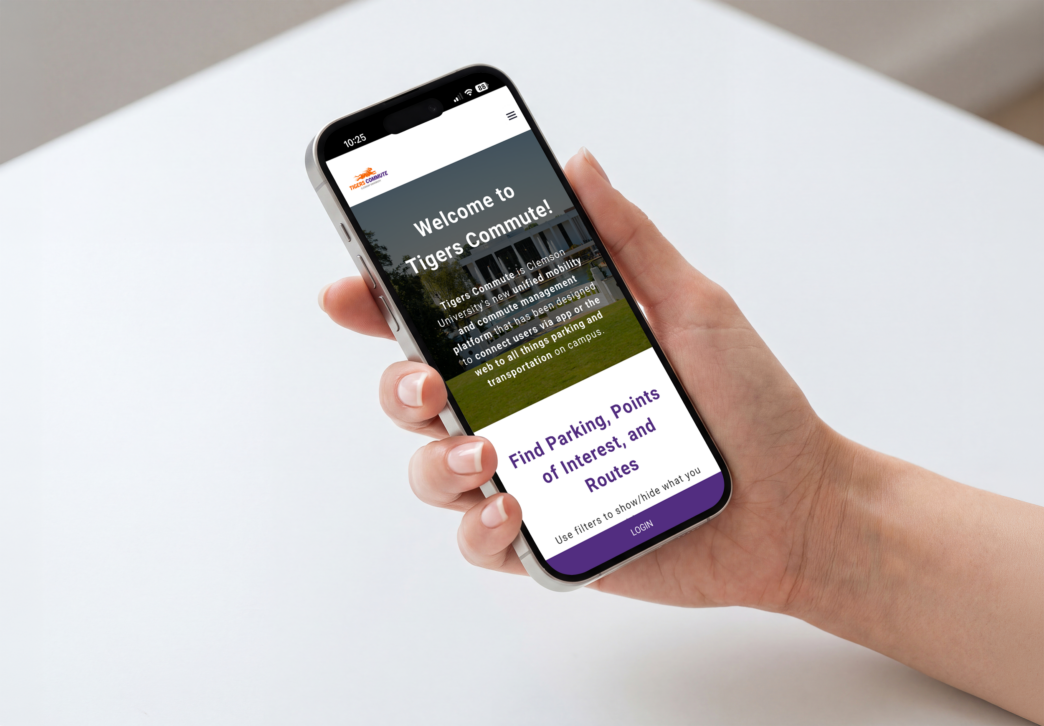
- Tigers Commute: Tigers Commute provides real-time parking and transportation information to faculty, staff and students. The app shows parking availability, bus tracking and route schedules, e-bike and EV charging availability. The app also allows Clemson users to plan trips and rideshares.
- Grubhub: Clemson Home Dining offers mobile ordering through Grubhub. It’s easy and convenient to get your favorite food from your favorite campus dining locations, like Chick-fil-A, Starbucks, Stripes, Halal Shack, Freshens, and more! Skip the line and order ahead from anywhere, anytime. Make the most of your meal plan by using Paw Points to pay, or choose to pay with your credit card.
- GET Mobile: The GET Mobile app allows you to replace your physical TigerOne ID card with a TigerOne Mobile ID, which can be used to enter University buildings, utilize your meal plan at dining halls, spend Paw Points, or print using PaperCut. Use the GET Mobile app to add your TigerOne Mobile ID to your iPhone or Apple Watch or Android device.
Human Resources
- Workday: The Workday app puts HR and finance tasks in the palm of your hand! Available for all Clemson faculty, staff and student employees, the Workday app allows employees to manage timecards, time off, expense reports, reimbursements and more through their mobile device.
- BCBS My Health Toolkit: State Health Plan subscribers can manage their benefits by accessing claims, coverage details, digital ID cards, wellness resources, and provider search anytime through My Health Toolkit.
- ASIFlex: For those with spending accounts through the State Health Plan, the ASIFlex Self Service app makes it convenient to check your account balances, submit documentation for claims, and find account information.
Academic
- Canvas: Canvas is the hub for academic courses where you can easily access syllabi, assignments, readings and lecture materials; view grades and feedback from instructors; submit assignments; and take a quiz or exam. Canvas is accessible through a web browser or by downloading the app.
- CU Navigate: Available for students and faculty and staff, the CU Navigate app empowers students with the knowledge that keeps them on a path toward graduation, including up-to-date information on key dates, easy access to campus resources (both academic and student life) and the ability to schedule advising appointments.